
Campus news people actually see.
Announcements, events, lunch menus, schedules and emergency messages on screens in hallways, lobbies and cafeterias.
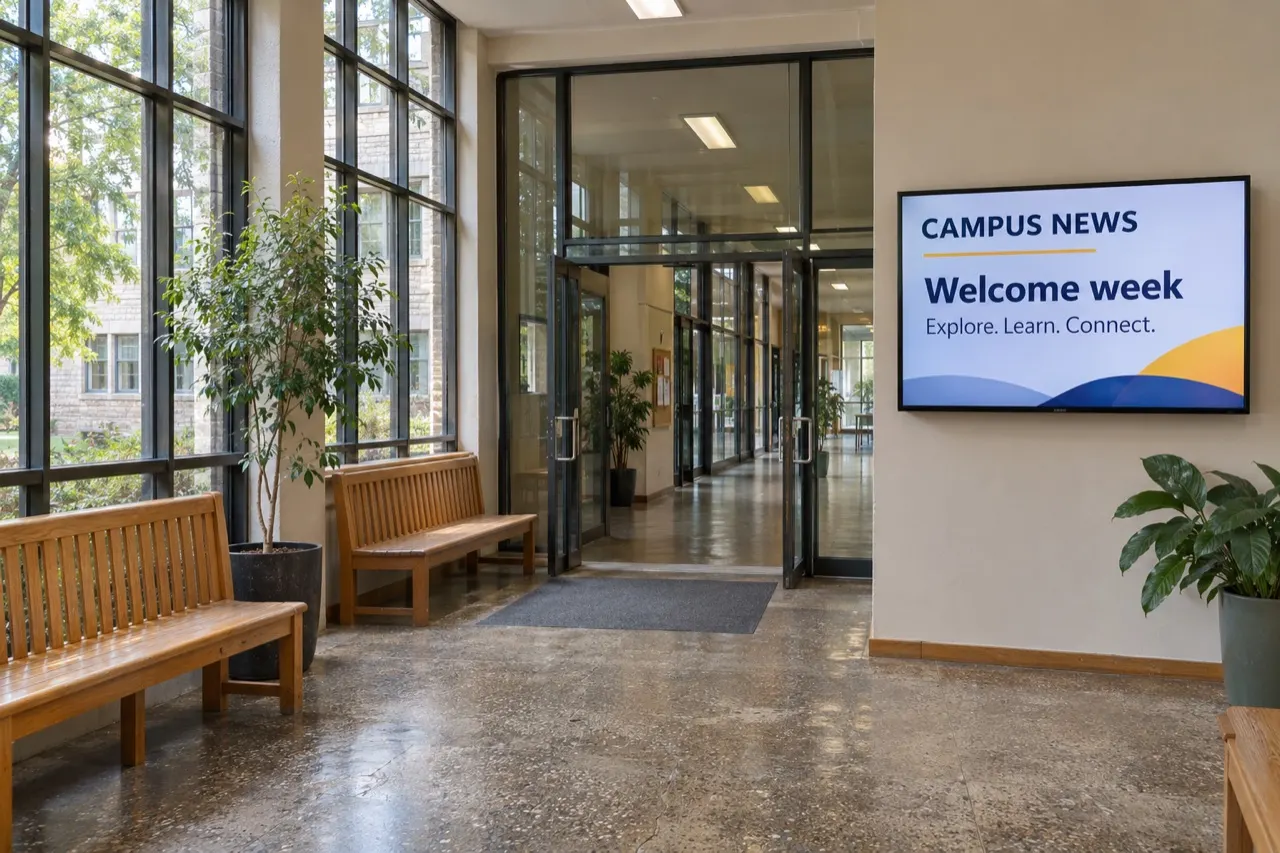
Where it earns its spot on the wall.
Daily announcements
Replace the cluttered bulletin board with one clear screen people stop and read.
Events and athletics
Game days, concerts, deadlines and countdowns that build a little buzz.
Cafeteria menus
Today’s lunch and the week ahead. Update it from the office.
Urgent messages
Push an important notice to every screen at once when it matters.
Set it once. It changes all day.
Here’s how a typical education screen could run, switching on its own with schedules.
- 7:30Morning announcementsToday’s schedule and reminders
- 11:00Lunch menuCafeteria screens switch to today’s lunch
- 14:00Events & clubsGames, concerts and deadlines
- Any timeUrgent noticesPush one message to every screen
Game day!
What we usually suggest.
Every space is different, so treat this as a starting point. Send us photos and we’ll tailor it.
- Where
- Main entrance, hallways, cafeteria, gym and the front office.
- Screens
- 43″–55″ in hallways; larger in the cafeteria and gym.
- Orientation
- Landscape for general news; portrait for event posters.
- Access
- Give staff and student groups their own logins, with approvals before content goes live.
- Player
- ChromeOS or Android players; built-in on signage displays.
Apps that fit
Want help with it?
We design it for you
Branded screens, scheduled and kept up to date by our team.
Managed contentWe install the screens
Screens, players and mounting in Chicago and surrounding areas.
Screen installationWe print the rest
- Programs and event guides
- Flyers and paper posters
- Branded apparel for teams and clubs
- Booklets and handbooks
Homecoming week
A countdown runs on every hallway screen, posters go up in the cafeteria, and the spirit-wear order is printed and delivered.
Can teachers or students post content?
Yes. Give them their own logins and use content approvals so nothing goes live without a staff check.
Can we show Google Slides?
Yes. Google Slides, Drive and Calendar connect directly.
Can we send urgent messages fast?
Yes. You can push one message to every screen at once. It should support, not replace, your official emergency system.
Does it work with Chromebooks and Chromeboxes?
ChromeOS devices can run the player as a managed kiosk app.