
Use the TV you already have.
No proprietary hardware, no lock-in. The player app runs on most smart displays, or on a small device that plugs into any TV.
Hardware agnostic.
Bring your own screens. The player runs on all of these, and installing it costs nothing.
- Android Boxes, TVs, tablets
- ChromeOS Chromebox & Chromebase
- Windows PCs & mini PCs
- Samsung Tizen Smart signage displays
- Amazon Signage Stick Plugs into any HDMI
- LG webOS Commercial displays
- BrightSign Dedicated players
- Linux Supported players
Three ways to get a screen on air.
You have a smart TV or commercial display
Samsung, LG and many Android-based displays run the player app directly. If yours does, there’s nothing else to buy.
You have a regular TV
Plug a small media player into the HDMI port. An Amazon Signage Stick or an Android box usually does the job.
Buy the Amazon Signage StickYou’re starting from scratch
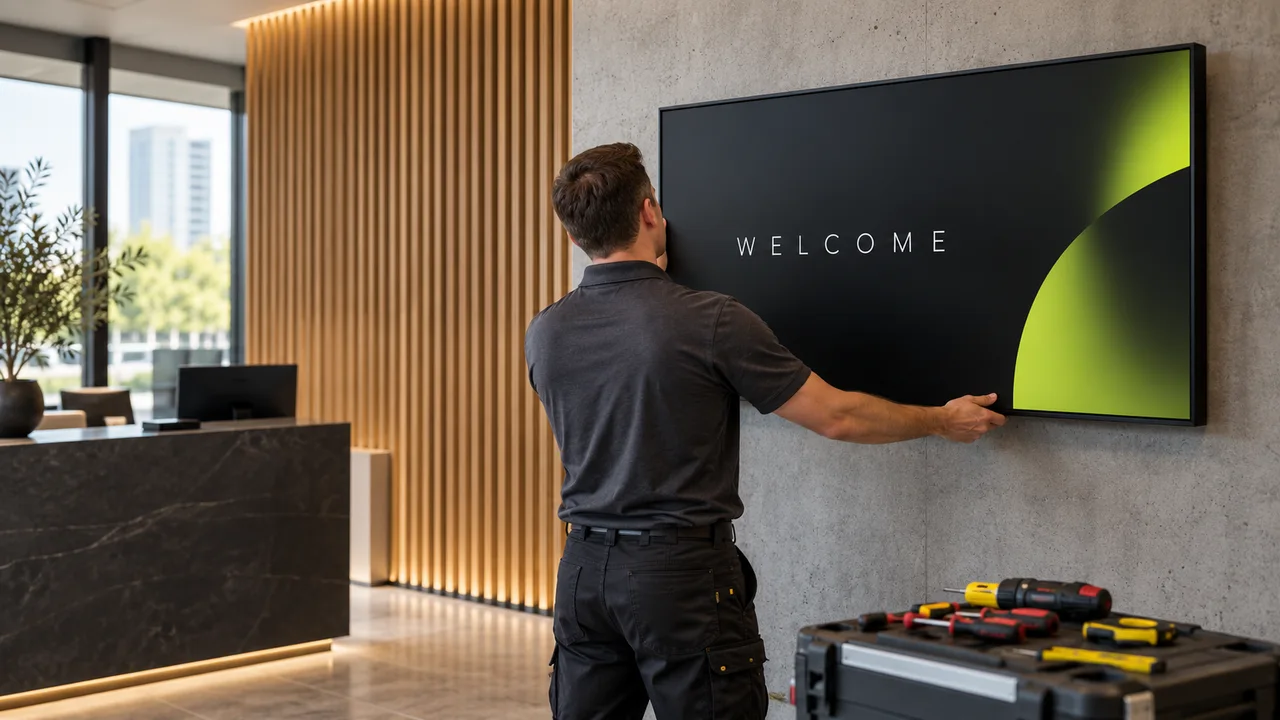
We’ll recommend a commercial screen and player for your space. In the Chicago area we can install it too.
Where the player runs.
One license per screen, whatever it runs on. Feature support can vary a little by device, so check your model with us before buying in bulk.
- Tizen 4–7 Samsung Tizen Samsung smart signage displays. The player app runs on the screen itself, no extra box.
- webOS 4–6, 8 LG webOS LG commercial displays. Install the app on the screen and you’re set.
- Android 5.0+ Android Our most flexible option. Media boxes, Android TVs, tablets and touch kiosks.
- Signage edition Amazon Signage Stick A small stick made for signage. Plug it into any HDMI port and any TV becomes a sign.
- Windows 10+ Windows Any Windows PC or mini PC connected to a screen.
- Managed devices ChromeOS Chromebox and Chromebase devices, managed as kiosks.
- Supported models BrightSign Rugged, dedicated signage players for demanding spaces.
- Ask us Linux Supported Linux players for custom setups.
Send us the model. We’ll tell you if it works.
It takes us a few minutes and can save you a return. Here’s what helps:
- Screen brand and model number (on a sticker on the back)
- Will it hang landscape or portrait?
- What you want to show: images, video, live web content, touch
- How many hours a day it will run
- Is there Wi-Fi or a network cable where it will hang?
Can I use a regular consumer TV?
Yes, with a media player plugged in. Commercial displays last longer if a screen runs all day, are brighter, and often carry better warranties for business use. For a few hours a day, a good consumer TV is fine.
Which player do you recommend?
It depends on what you show. For images and simple video, a signage stick or basic Android box is plenty. For several videos at once, 4K or touch, you need something stronger. Send us what you plan to show and we’ll point you to the right one.
Do screens need internet all the time?
No. Content is saved on the player and keeps playing offline. You need internet to receive updates and for live items like weather, web pages or social feeds.
Can a screen hang vertically?
Yes. Design in portrait (9:16) and set the player or display to portrait. Most Samsung, LG, Android and Windows setups support it. Check our portrait setup guide in the Help Center.
Does it work with video walls?
Yes, video wall layouts are supported. Video walls need careful planning, so get in touch and we’ll scope it with you.