
Make it. Schedule it. Forget about it.
One simple tool to design screens, plan when they play and update every display you have. From your desk, your phone or the beach.
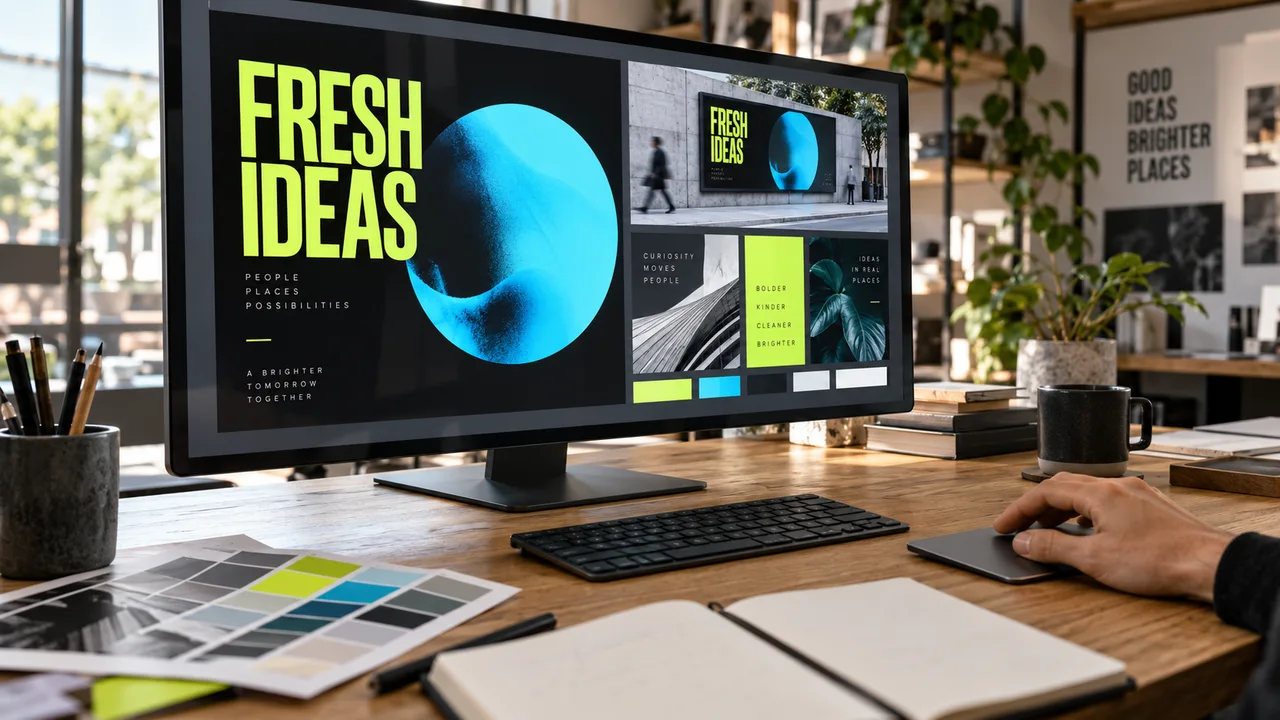
Here’s what’s actually going on.
The Studio
Your control room. It runs in any web browser on a Mac or PC. Design screens, build playlists and manage every display from one place. Nothing to install.
The player
A small app that runs on the TV or media player. It downloads your content, plays it on a loop and keeps a copy so the screen never goes blank if the internet drops.
The cloud
Connects the two. When you hit publish, the update reaches your screens in about two minutes. No servers to run, nothing to maintain.
Everything you need. Nothing you don’t.
All of it is included in the $18 per screen. No feature tiers to figure out.
Drag-and-drop editor
Text, photos, video, shapes and widgets on a free canvas. Layers, colors, fonts, undo. It works like the design tools you already know.
AI that builds the screen
Describe what you need and the AI lays it out. Then edit by hand or ask for changes in plain English.
MoreTemplates for everything
Menus, sales, lobby welcomes, schedules, social walls. Swap in your logo, colors and photos.
Playlists and schedules
Put screens in order, set how long each one shows, and choose the days and hours it plays. Set start and end dates for promos.
Screen groups
Send the same playlist to every screen in a store, a region or the whole company in one click.
POS integration
Toast POS syncs items, prices and availability to your menu boards. Other POS systems connect through spreadsheets, data feeds or the API.
More50+ apps and widgets
Weather, clocks, YouTube, Instagram, Google Sheets, Power BI, calendars, RSS, countdowns and more.
MoreKeeps playing offline
Content is stored on the player. If the internet drops, the loop keeps going. Live feeds need a connection.
Screen status and reports
See which screens are online, when they last updated and proof-of-play reports on what actually ran.
Touch and interactive
Build touch kiosks with buttons, menus and pages. Useful for directories, product finders and self-service info.
Secure by design
Hosted in the cloud with encryption, two-factor sign-in, SSO and user permissions, so the right people change the right screens.
Approvals and audit logs
Have a manager approve content before it goes live, and see who changed what and when.
Change the price at the register. The menu board follows.
Connect your POS and your menu boards stay in sync. No typing prices twice, no board that says $11 when the register says $12.
- Toast POS built in: items, prices, descriptions, categories and availability
- Sold-out items update on every screen
- Each location keeps its own menu and prices
- Your design stays yours: photos, video, specials and dayparts on top of live data
- Clover, Square, Lightspeed, Revel and others through Sheets, CSV/JSON or the API
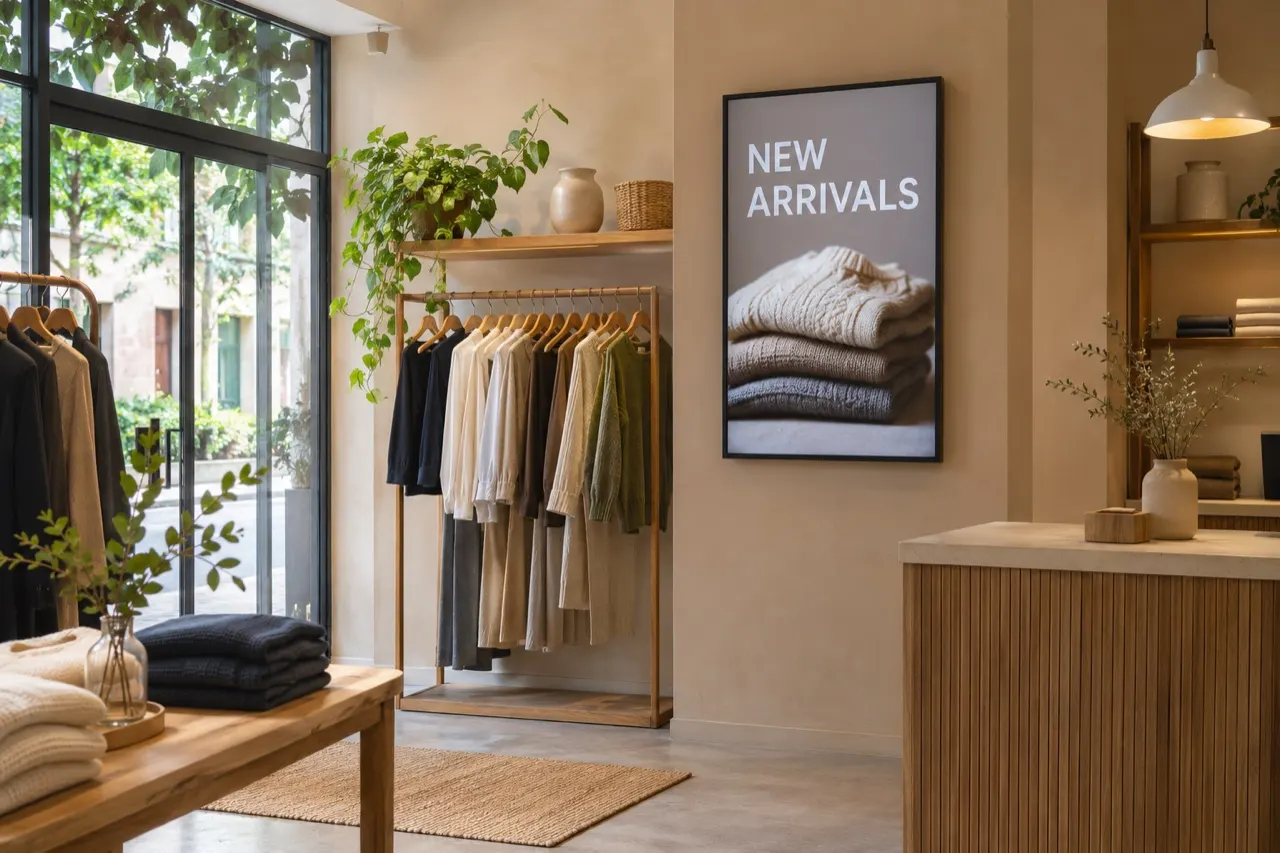 Portrait · Store floor
Set it up once. Let it run.
- Monday morning. You build a “Weekend sale” screen from a template. Five minutes.
- Scheduled. It starts Saturday at 9 a.m. and ends Sunday at 6 p.m. You add it to the playlist for all three stores.
- Saturday. The sale appears on every screen at 9 sharp. You’re not there. You don’t need to be.
- Sunday, 2 p.m. One item sells out. You change it from your phone. Done in a minute.
- Sunday, 6 p.m. The sale disappears by itself and the regular content comes back.
The practical stuff.
Setting up a screen? See the Help Center or check which screens work.
Do I need to install anything on my computer?
No. The Studio runs in your web browser on Mac or PC. You only install the player app on the screens.
Can more than one person use the account?
Yes. Add teammates and control what they can change. A store manager can update their own screens without touching anyone else’s.
Can I see what’s on a screen without being there?
Yes. Preview any playlist in the Studio and check screen status to see which displays are online and when they last updated.
What file types can I use?
Images (JPG, PNG), MP4 video, PDFs and Office files like PowerPoint, Word and Excel, which convert into screen content. You can also import designs from Canva.
Can it connect to our POS?
Toast POS is built in: items, prices, descriptions, categories and availability flow to your menu boards. Clover, Square, Lightspeed, Revel and others can connect through Google Sheets, CSV/JSON feeds or the API. Tell us which POS you use and we’ll confirm the best route.
Can it connect to our own systems?
Yes. The plan includes the open API, an MCP connector for AI tools, SSO/SAML, Zapier and data sources like CSV and JSON. If you want us to build or set up a custom connection, we quote that work separately.