
What is digital signage, really?
A plain-English guide for business owners. What it is, what you need, what it costs and how to do it well.
The short answer
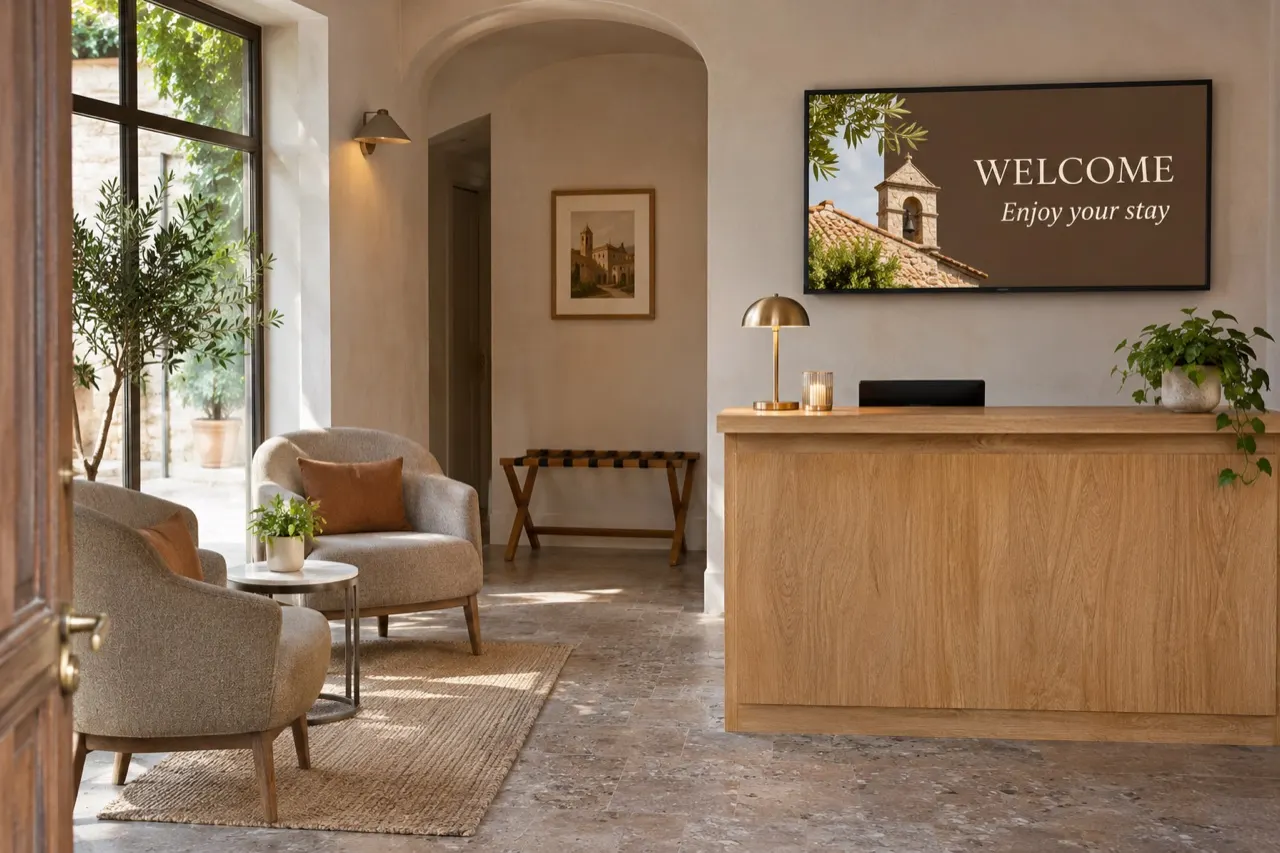
Digital signage is any screen in a business that shows information or promotions you control. A menu board above a counter. A sale banner in a shop window. A welcome screen in a lobby. A class schedule at a gym.
The difference from a TV is that you decide what’s on it, and you can change it from anywhere. One screen or a hundred, in one place or across the country.
What you need
Three things. That’s all.
- A screen. A smart TV, a commercial display or any TV with an HDMI port.
- A player. The app that shows your content. It runs on many smart displays directly, or on a small device you plug in. See what works.
- Software. Where you design screens and schedule them. Ours runs in your browser for $18 per screen per month.
Plus an internet connection to receive updates. The screen keeps playing what it already has if the connection drops.
Why businesses switch
- Change things instantly. New price, new special, new hours. No reprinting, no waiting for the sign shop.
- Right message, right time. Breakfast in the morning, happy hour at 4. Schedules switch content on their own.
- Movement gets noticed. People’s eyes go to things that change. A screen gets more attention than a static poster.
- Every location matches. Update once and every store gets the same campaign at the same time.
- Less paper. Fewer posters printed, thrown away and reprinted.
Content that works
Most signage fails because of the content, not the screen. A few simple rules go a long way:
- One message per screen. People look for a few seconds. Make that moment count.
- Big text, few words. If you can’t read it from across the room, it’s too small.
- Strong contrast. Light text on dark, or dark on light. Avoid busy backgrounds behind words.
- Give it time. 8 to 12 seconds per slide is a good starting point for text-heavy screens.
- Keep it fresh. Change something at least weekly, or people stop looking.
- Tell people what to do. “Ask about our combo.” “Scan to book.” “Try it today.”
Mistakes to avoid
- Cramming a whole flyer onto one screen.
- Using huge 4K videos on a small, basic player. It can stutter or go black.
- Setting it up and never updating it.
- Putting the screen where nobody stops or looks.
- Showing private information (like patient or customer names) on a public screen.
How to start
Start small. One screen, one clear job. A menu board, a window promo or a lobby welcome. See how people react, then grow from there.
You can try our software free for 15 days on your own screen. If you’d rather have someone do it all, we also install screens in the Chicago area and design content for businesses anywhere.