
 Chicago & surrounding areas
Screens on the wall. Content on the screens.
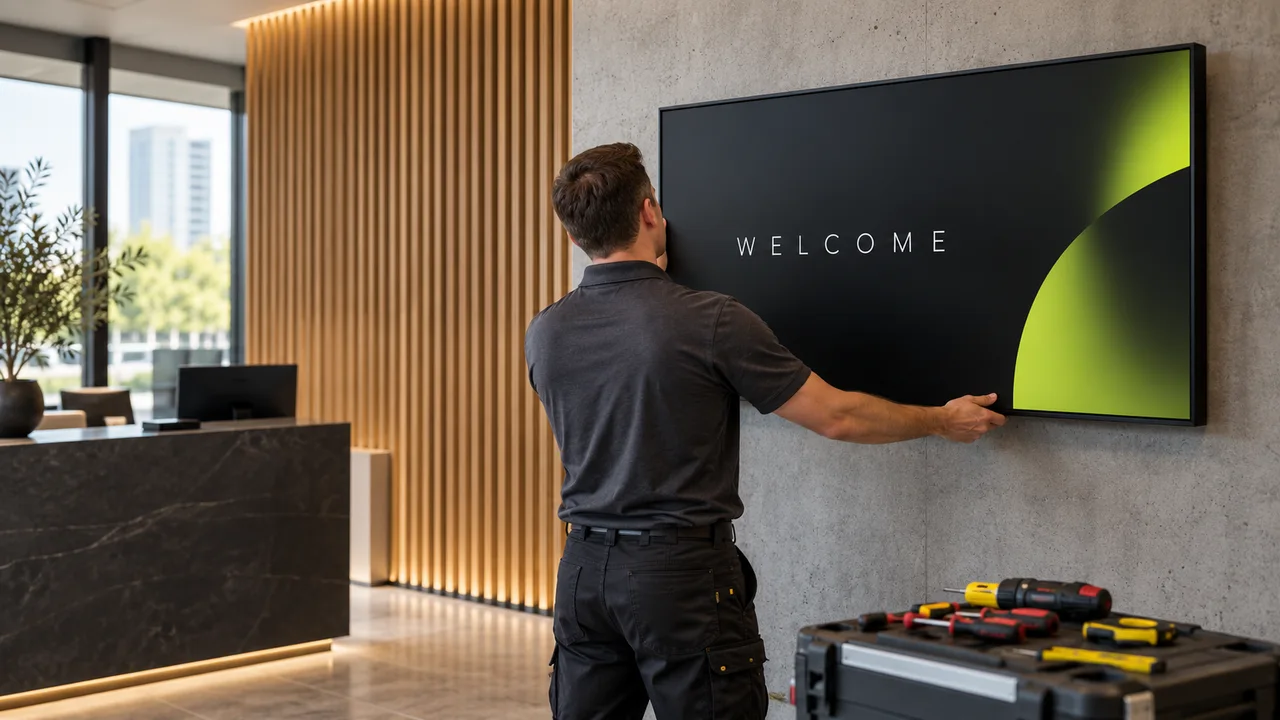
We supply the gear, mount it, wire it, connect it and test it. You get working screens, not a pile of boxes and a YouTube tutorial.
The right gear, from one place.
Already have screens? We can install those too.
Commercial screens
Displays built to run all day in a business, sized for your space and viewing distance.
Media players
The small device that runs your content, matched to what you want to show.
Mounts and brackets
Fixed, tilting or ceiling mounts, matched to the screen and the wall.
Cables and accessories
HDMI, power, network and everything else the screen needs to run.
Five steps. One team.
Tell us about the space
Where the screens go, what they’ll show and how many. Photos of the walls help a lot.
We spec the gear
Screen size, player, mount and cabling, chosen for your space and budget.
Clear quote
Equipment and labor, itemized. Nothing starts until you approve it.
Install day
We mount the screens, run and tidy the cables and connect everything.
Set up and hand over
We connect each screen to your account, test playback and show you how it works.
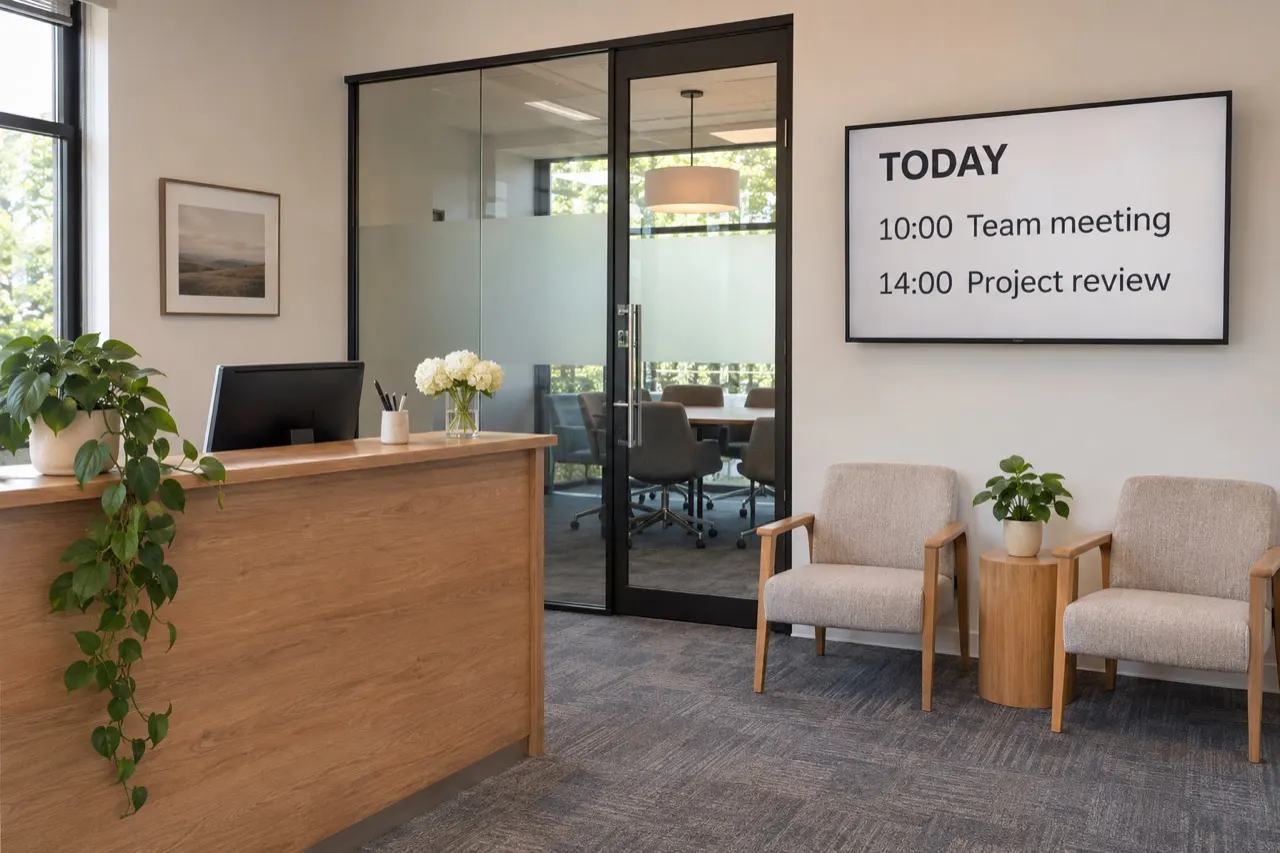
We leave when it’s playing.
Every screen is connected to your account, tested and walked through with you before we go.
How big should the screen be?
It depends mostly on how far away people will read it. A rule of thumb we start from:
Text-heavy menus need bigger screens (or more of them) than photo promos. We’ll check sight lines on site.
| Viewing distance | Typical size | Good for |
|---|---|---|
| Up to 6 ft | 24″–43″ | Checkout, meeting-room doors, shelves |
| 6–10 ft | 43″–55″ | Waiting rooms, hallways, small menu boards |
| 10–15 ft | 55″–65″ | Menu boards, lobbies, store windows |
| 15–25 ft | 65″–86″ | Large lobbies, gyms, cafeterias |
| 25 ft + | 86″+ or a video wall | Atriums, event spaces |
The right mount for the spot.
Every mount is matched to the screen’s weight and the wall. We tell you if a wall can’t take it.
Flat wall mount
Slim and clean. Best for lobbies, waiting rooms and hallways at eye level.
Tilting mount
For screens mounted high, like menu boards above a counter, so text faces the reader.
Articulating arm
For corners or screens that need to swing. Useful in meeting rooms and tight spaces.
Ceiling or drop mount
For storefront windows and open spaces without a usable wall.
Floor stand or kiosk
No drilling. Great for rentals, events, entrances and touch kiosks.
Multi-screen menu rail
Two to four screens aligned perfectly side by side, so menu boards look like one.
No surprises in your quote.
Every quote is itemized. These are the things that move the number:
Installation in Chicago- Number and size of screens, and whether you already own them
- Wall type (drywall, brick, concrete, glass) and mounting height
- Hiding cables in the wall versus a surface cable cover
- Distance to power and internet, and whether new outlets are needed (by a licensed electrician)
- After-hours work so you can stay open
- Travel distance within the Chicago area
- Your address (so we can confirm coverage)
- How many screens, and roughly what size
- Photos of each wall where a screen will go
- What’s behind the wall, if you know (drywall, brick, concrete)
- Is there power and Wi-Fi or a network jack nearby?
- Any screens you already own (brand and model)
Straight answers.
We only install screens and the equipment they need. We don’t do general IT, networking or sign fabrication.
Where do you install?
Chicago and the surrounding areas. Not sure if you’re in range? Send your address and we’ll confirm.
Do you install screens I already bought?
Usually, yes. Tell us the model and size and we’ll confirm the mount and setup. If you haven’t bought yet, ask us first. We may save you from a model that won’t suit.
What’s not included?
New electrical outlets, permits, network changes or specialist structural work aren’t part of a standard install. If your space needs any of these, we’ll flag it in the quote so there are no surprises.
Is the installation guaranteed?
Installation workmanship is covered for three years. The equipment itself is covered by the manufacturer’s warranty. Full terms come with your project paperwork.
How long does it take?
Most single-screen installs take a few hours. Larger projects are scheduled with you, often outside business hours so you can stay open.