
The lobby screen that actually gets read.
Welcome visitors by name, show today’s meetings, share team wins and post safety notices. Pull it straight from Outlook, Google Calendar or Power BI.
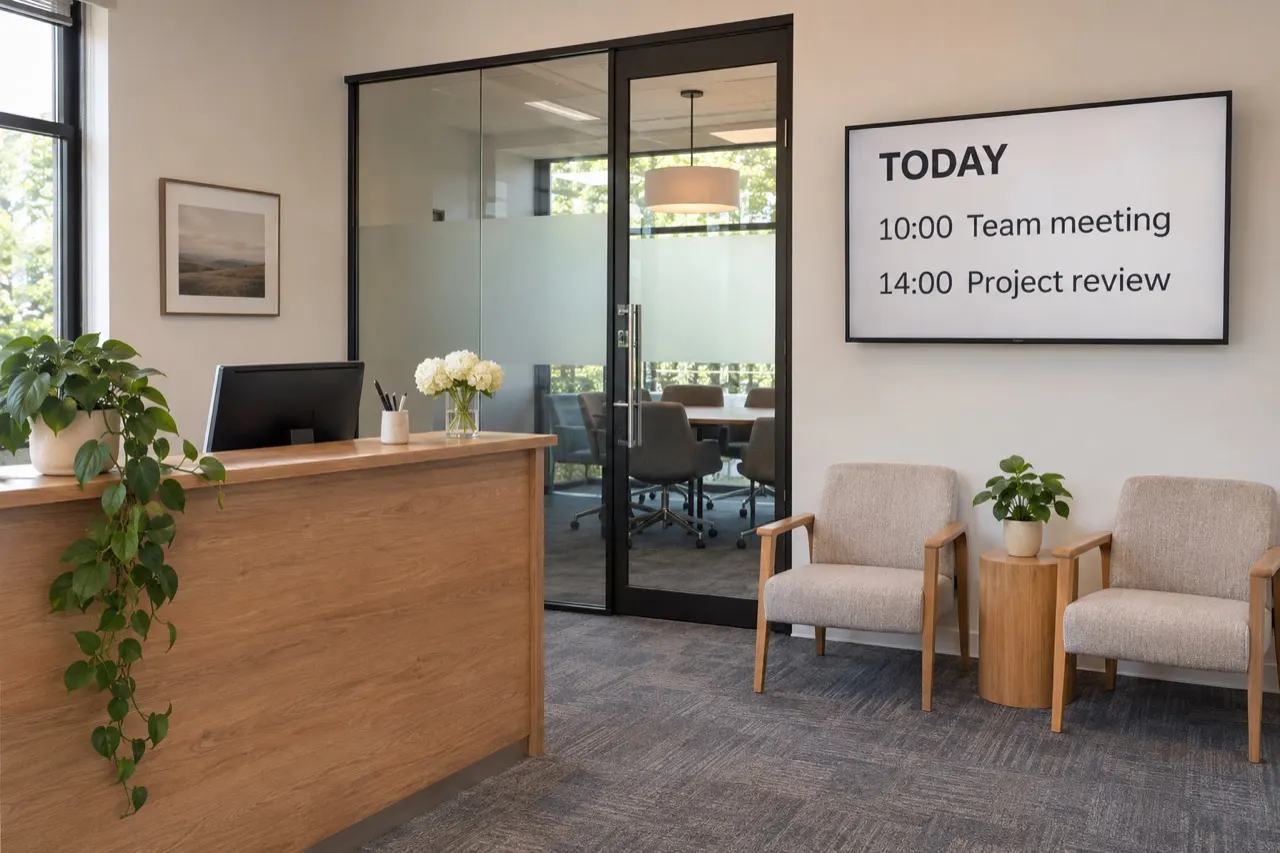
Where it earns its spot on the wall.
Reception and lobby
Welcome guests, show directions and today’s agenda. Look sharp before anyone says hello.
Team news
Birthdays, wins, new hires and announcements on screens people pass every day. Better than an email nobody opens.
Live dashboards
Show Power BI, Tableau or Google Sheets numbers on the floor. They refresh by themselves.
Meeting rooms
Show what’s booked and what’s next from Outlook or Google Calendar.
Set it once. It changes all day.
Here’s how a typical offices & corporate screen could run, switching on its own with schedules.
- 8:00Morning welcomeVisitor names and today’s agenda
- 9:00Meeting roomsPulled live from Outlook or Google Calendar
- 12:00Cafeteria menuLunch specials on the break-room screen
- 15:00KPIs and winsPower BI dashboard and team shout-outs
Welcome, Acme Corp.
What we usually suggest.
Every space is different, so treat this as a starting point. Send us photos and we’ll tailor it.
- Where
- Lobby or reception, break rooms, elevator banks and outside meeting rooms.
- Screens
- 55″–65″ in the lobby; 32″–43″ for hallways and break rooms; small screens or tablets at room doors.
- Orientation
- Landscape for dashboards and lobbies; portrait for directories.
- Sign-in
- SSO with your company identity provider and permissions by team are included.
- Player
- Windows or ChromeOS devices are common when IT manages them; Android or built-in players otherwise.
Apps that fit
Want help with it?
We design it for you
Branded screens, scheduled and kept up to date by our team.
Managed contentWe install the screens
Screens, players and mounting in Chicago and surrounding areas.
Screen installationWe print the rest
- Business cards for the whole team
- Letterhead and envelopes
- Presentation folders
- Welcome kits and branded gifts
A new-hire welcome week
The lobby screen welcomes the new team, their business cards are on the desk, and a branded welcome kit is waiting. All matching, all ordered in one place.
Asked and answered.
Something else? Ask us, or call or text 872-222-6444.
Can we show Power BI dashboards?
Yes. Power BI, Tableau and Google Sheets data can be shown and refresh on their own.
Can it work with our IT security?
The plan includes SSO/SAML, two-factor sign-in, user roles, content approvals and audit logs. Share your requirements and we’ll go through them with your IT team.
Can different departments manage their own screens?
Yes. Give each team its own users and permissions so they only change their screens.
Can we use it for emergency messages?
You can push a message to all screens quickly. It should support, not replace, your official emergency alert system.